Git is a version control system

Basically there are 3 stages in Git Comitted , Modified and Staged
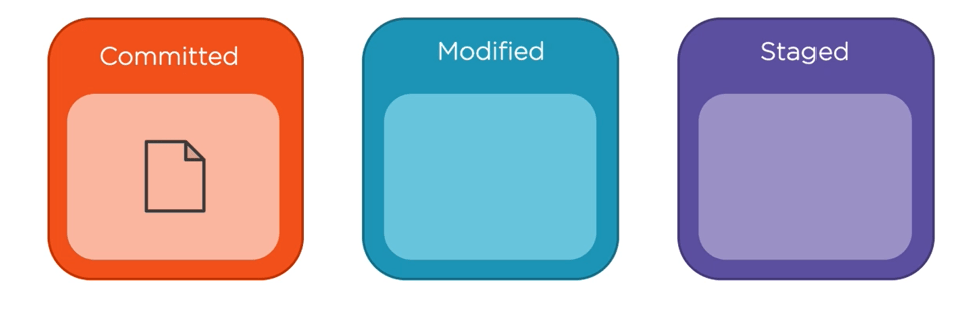
So Once Git is installed in your system you decide on following
- Choose a folder where you are going to do developments i.e. Working directory and it will done in your local machine
- You create a repository in git
- Whenever you do a development and save it in your working directory you should make git aware that the changes should be copied to git as well so how do we do it , 3 things here
- Once we are done with development/work we will add the files to the staging area meaning the files we want to commit
- Once files are in the staging area it can be committed to the git repository


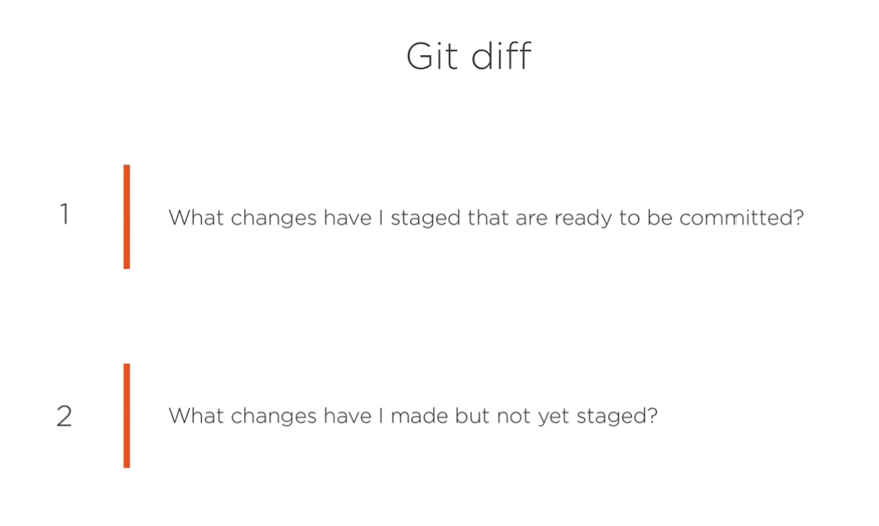
Finally to see what is the difference between my git repository and local/working directory we can use the git diff
Commands for git
Once installed git in system run git it should show some details which means git is installed
git
git --help
Once you decide on the local repository go to the desired folder in the command prompt and run git init which turns a directory to git working repository
git initDo your development and after that add the files you want to be copied to the git repository please make sure that you have created a repository in git i.e. github . Adding . means you want all the changes to me moved to repository you can also mention specific file instead of .
git add .Check the current status
git statuscommit files to repository
git commit "your message here"check the logs in case of errors
git logto copy contents from a repository i.e. takes what is available in the central repository and makes it available in local machine
git clone "url"What has changed and difference between local and git repositories
git diffgit diff --staged Binarybuggs