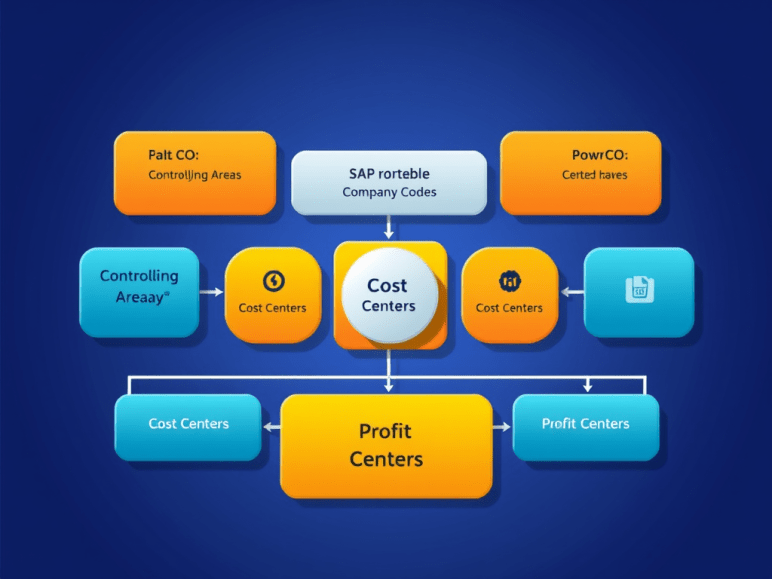
The organizational structure in SAP Controlling (CO) defines how costs and revenues flow through your enterprise. Understanding this structure is essential for proper cost allocation, reporting, and analysis. Below is a breakdown of the key organizational units in SAP CO and how they interact.
1. Controlling Area (CO Area)
- What? The highest-level organizational unit in SAP CO.
- Purpose: Represents a self-contained cost accounting environment.
- Key Features:
- Can include one or more company codes (but a company code can only belong to one CO area).
- Used for cross-company cost accounting.
- Defines fiscal year, currency, and cost center hierarchy.
- Example:
- A multinational company may have different CO areas for different regions (e.g., “CO_US” for the USA, “CO_EU” for Europe).
2. Company Code (FI)
- What? The smallest legal entity in SAP FI (Financial Accounting).
- Relation to CO:
- Multiple company codes can be assigned to a single Controlling Area.
- Financial transactions (FI) are recorded at the company code level, while management accounting (CO) operates at the Controlling Area level.
- Example:
- “CC_US” (Company Code USA) and “CC_UK” (Company Code UK) can both be assigned to “CO_GLOBAL.”
3. Cost Centers
- What? Departments or functional areas where costs are incurred.
- Structure:
- Belongs to a Controlling Area.
- Can be grouped in a Cost Center Hierarchy (e.g., “Production” → “Manufacturing” → “Assembly Line”).
- Use Case:
- Tracks expenses for HR, IT, Marketing, etc.
4. Profit Centers
- What? Business units evaluated for profitability (e.g., product lines, regions).
- Structure:
- Assigned to a Controlling Area.
- Can be structured in a Profit Center Hierarchy.
- Use Case:
- Compares profitability between “North America Sales” vs. “Europe Sales.”
5. Functional Areas (Optional)
- What? Classifies costs based on business functions (e.g., Production, Sales, Admin).
- Relation to Cost Centers:
- A cost center can be assigned to a functional area.
- Use Case:
- Helps in P&L reporting by functional area.
6. Business Area (FI-CO Integration)
- What? Used for segment reporting (e.g., Divisions, Product Lines).
- Relation to CO:
- Business Areas can be linked to Profit Centers for consolidated reporting.
- Example:
- “BA_Automotive” vs. “BA_Finance” divisions.
7. Operating Concern (CO-PA)
- What? The highest unit in Profitability Analysis (CO-PA).
- Purpose: Defines the structure for market segment reporting.
- Components:
- Characteristics (e.g., Customer, Product, Region).
- Value Fields (e.g., Revenue, Cost of Goods Sold).
- Example:
- “OP_CONCERN_Global” analyzes profitability by region, product, and sales channel.
How SAP CO Org Units Work Together
| FI Structure | CO Structure | Integration |
|---|---|---|
| Company Code | Controlling Area | Multiple company codes can be assigned to one CO Area. |
| Business Area | Profit Center | Used for cross-functional profitability analysis. |
| General Ledger (FI) | Cost Element (CO) | Primary cost elements are linked to GL accounts. |
Key Configuration Steps in SAP CO Org Structure
- Define Controlling Area (SPRO: Controlling → General Controlling → Organization → Maintain Controlling Area).
- Assign Company Codes to the Controlling Area.
- Set Up Cost Center Hierarchy.
- Define Profit Centers and assign them to the Controlling Area.
- Configure Operating Concern for CO-PA.
Conclusion
The SAP CO organizational structure ensures proper cost allocation, profitability tracking, and management reporting. Key components include:
✔ Controlling Area (Master CO unit)
✔ Cost Centers (Track departmental costs)
✔ Profit Centers (Evaluate segment profitability)
✔ Operating Concern (For CO-PA market analysis)
 Binarybuggs